01
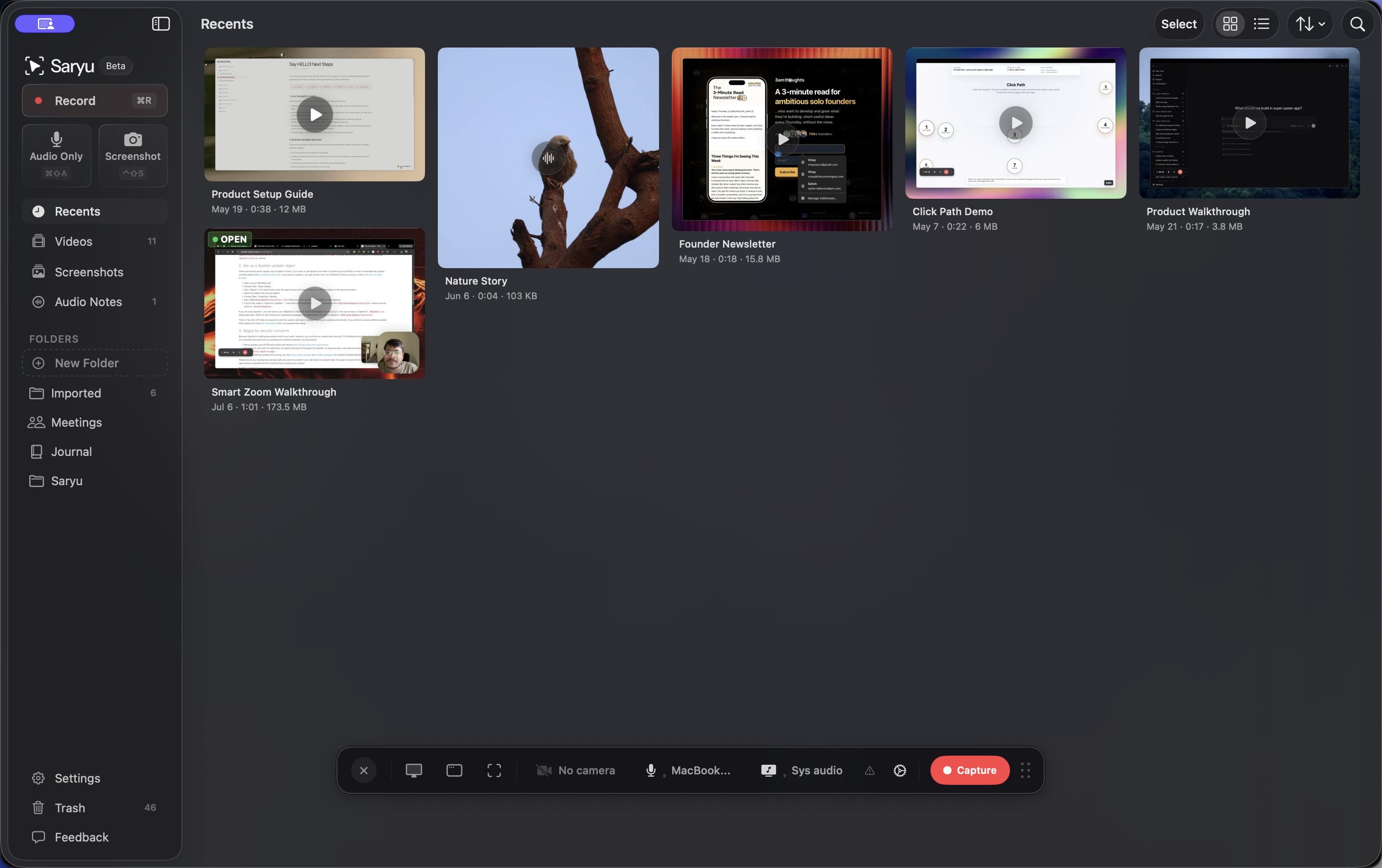
Record
The whole screen, one window, or an area. Voice on its own track. App sounds on another. Webcam or a connected iPhone as camera.
3-day trial·$24.99 one-time·macOS 14.6 or newer
From capture to a file
The whole screen, one window, or an area. Voice on its own track. App sounds on another. Webcam or a connected iPhone as camera.
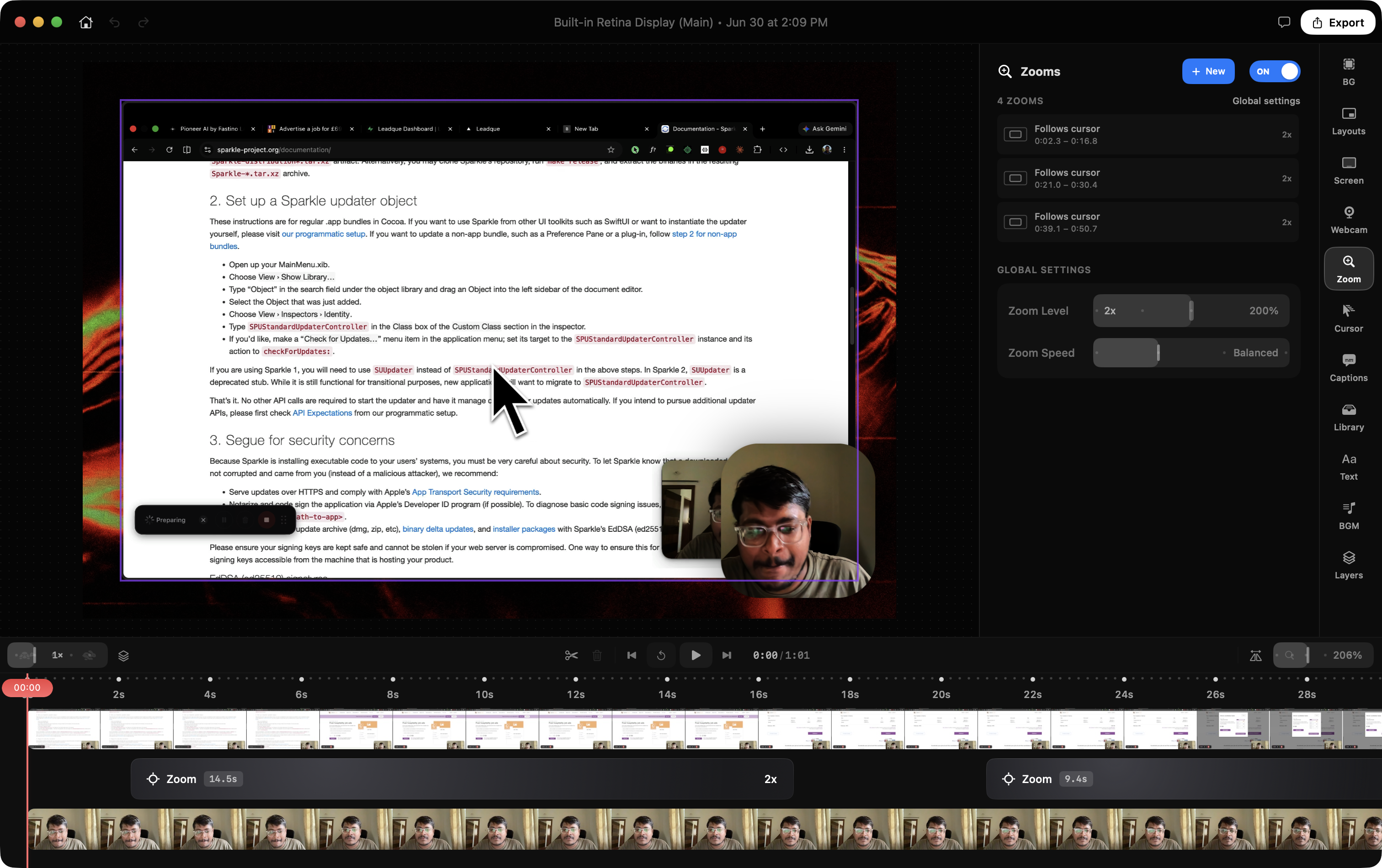
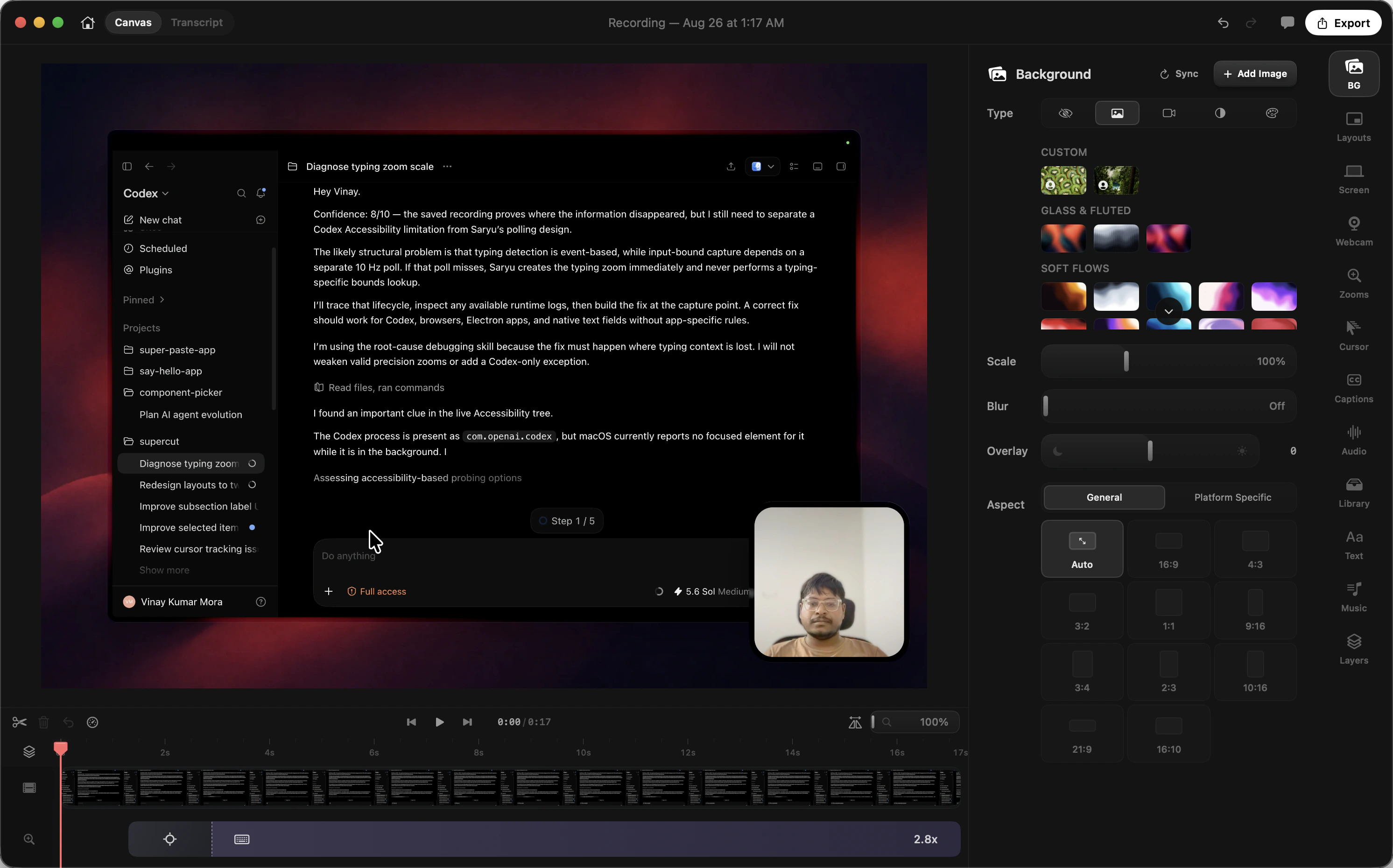
Clicks and typing pull the frame in. The pointer stays large enough to read. Default zoom is Balanced.
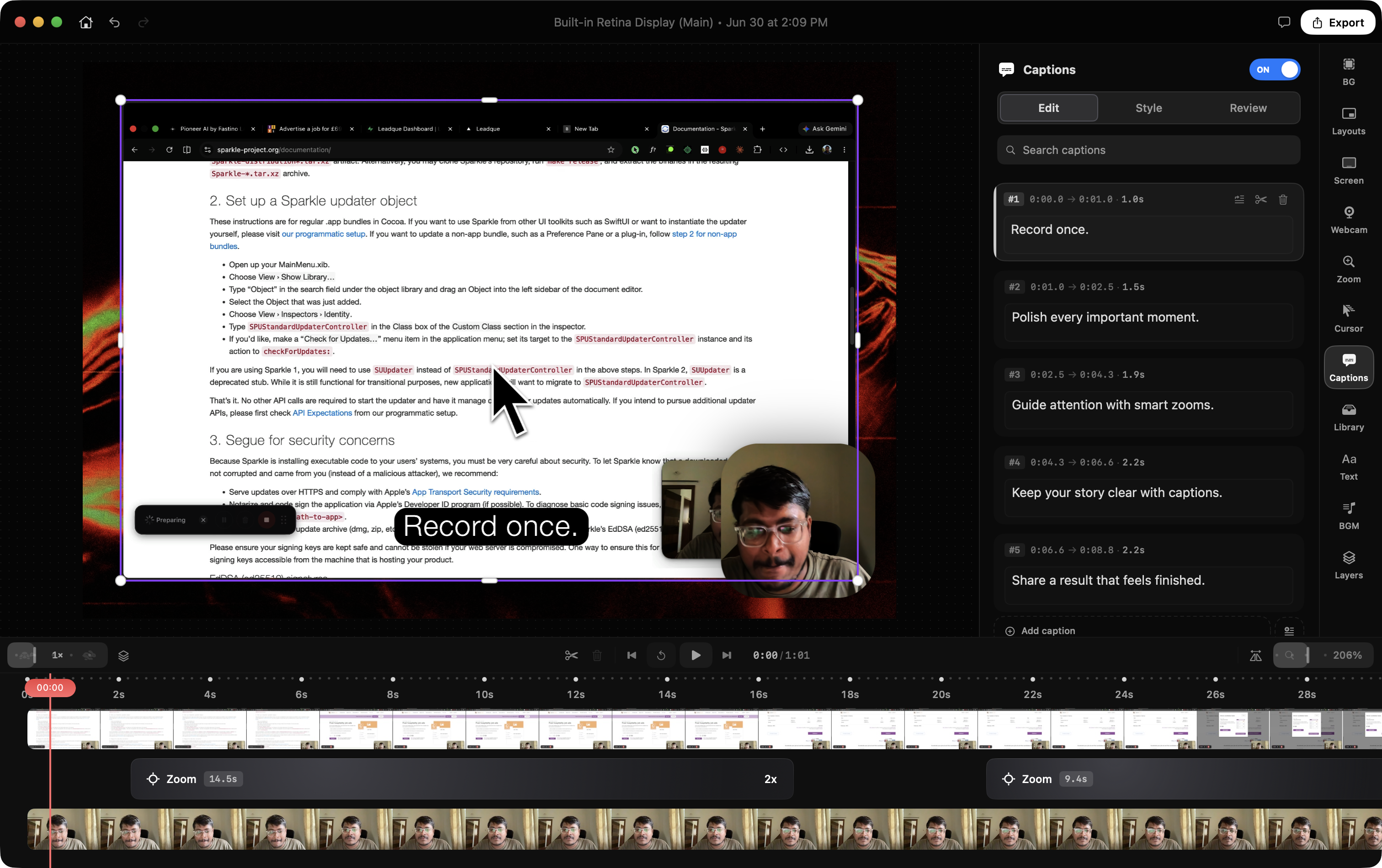
Captions on this Mac. Pull the ums out of the text. Cut a word in the transcript if the pause is the problem.
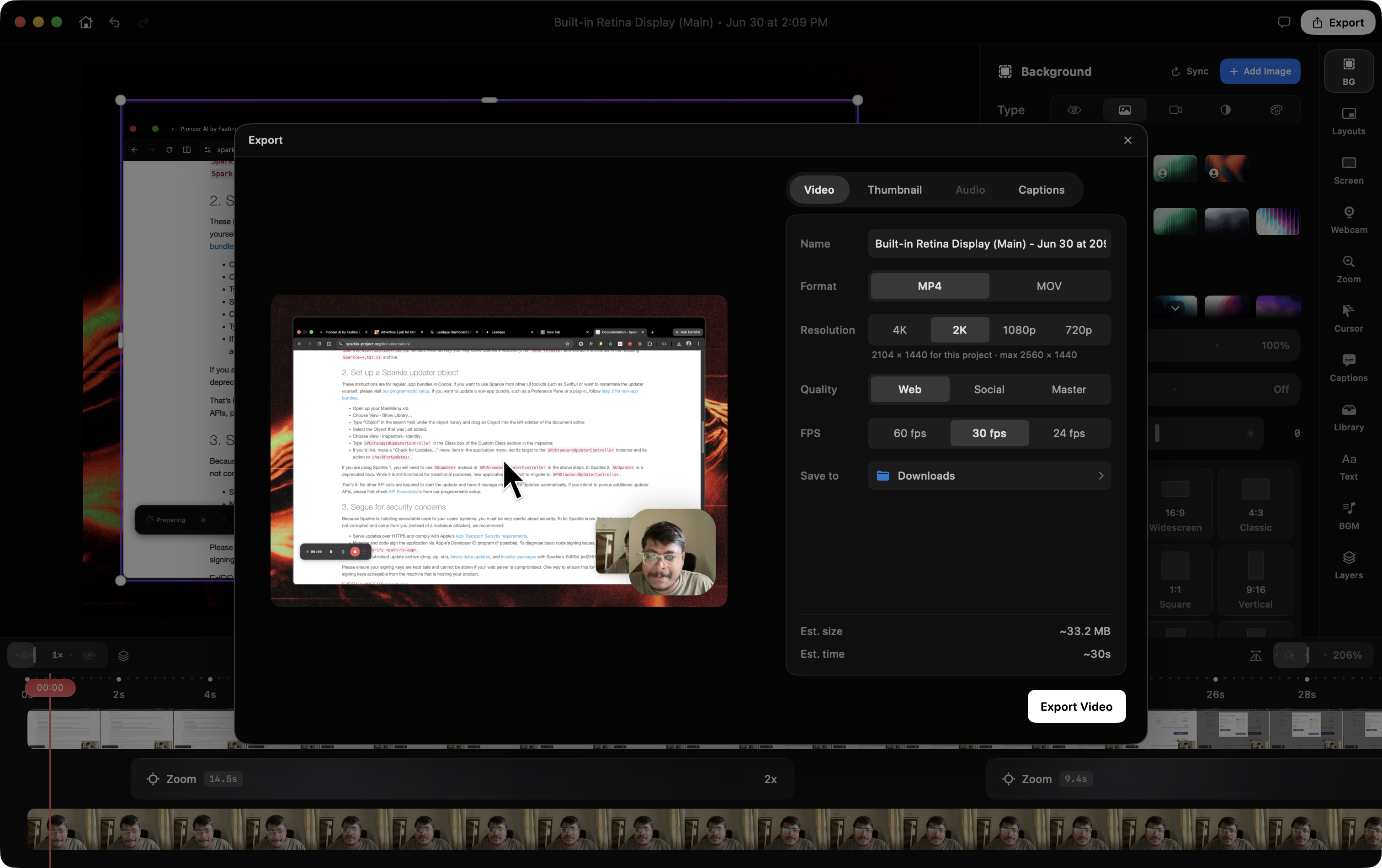
Social at 1080p if you are posting tonight. The file is on the desktop. Saryu does not host a link.
Made with Saryu
What ships today
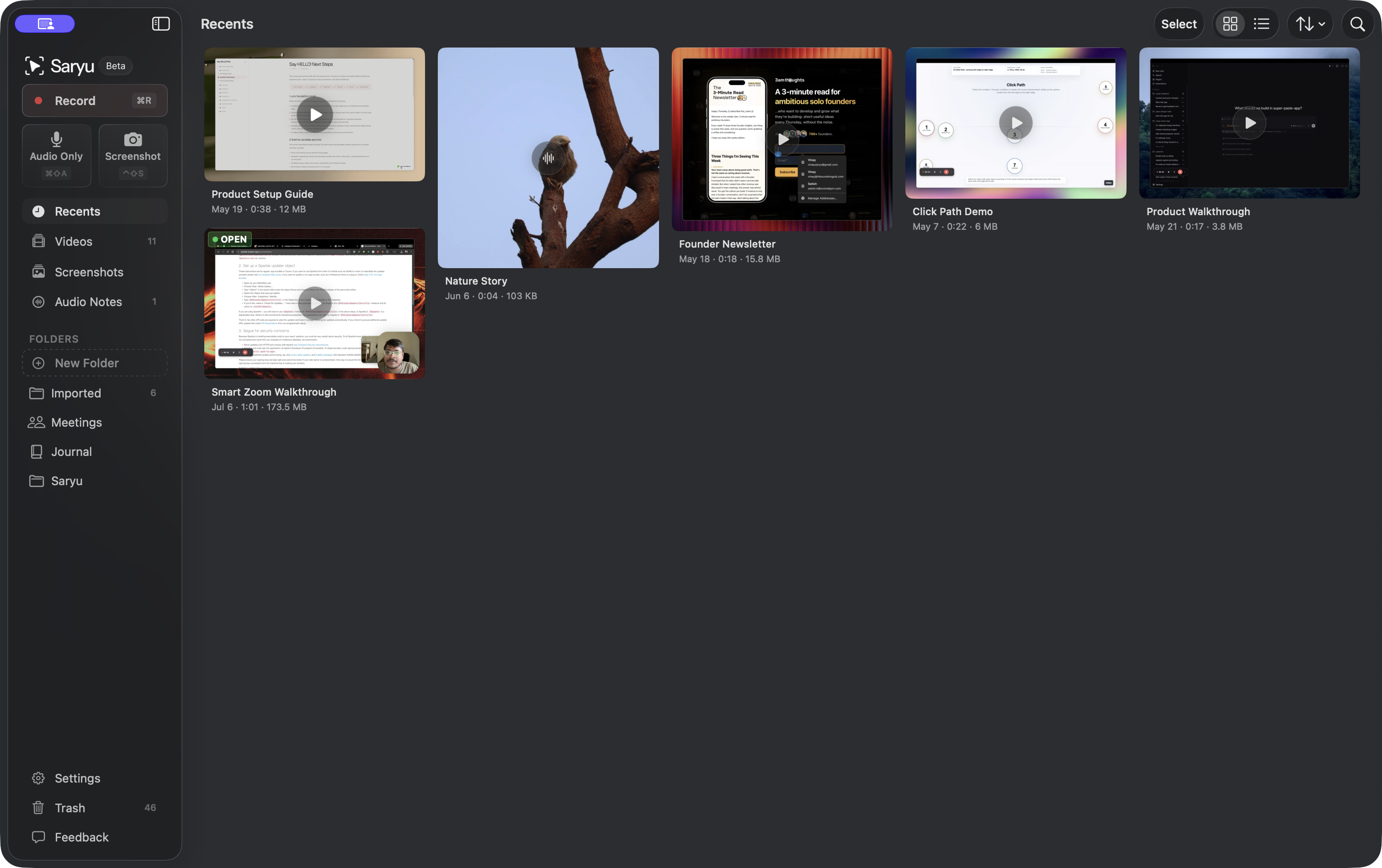
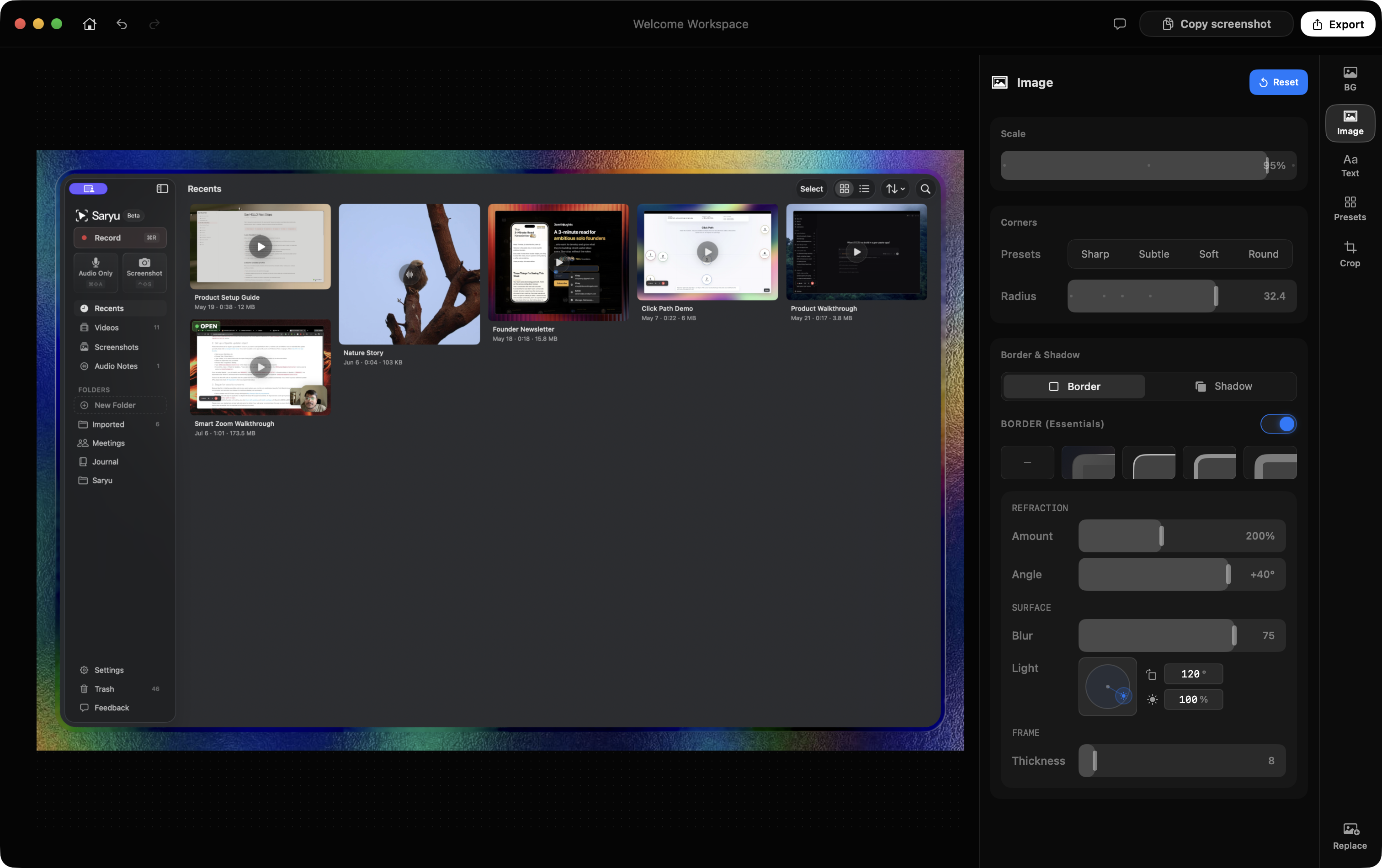
Recents, Videos, Screenshots, Audio Only, folders you name, favorites, trash. Import. Rename. This is where projects live.
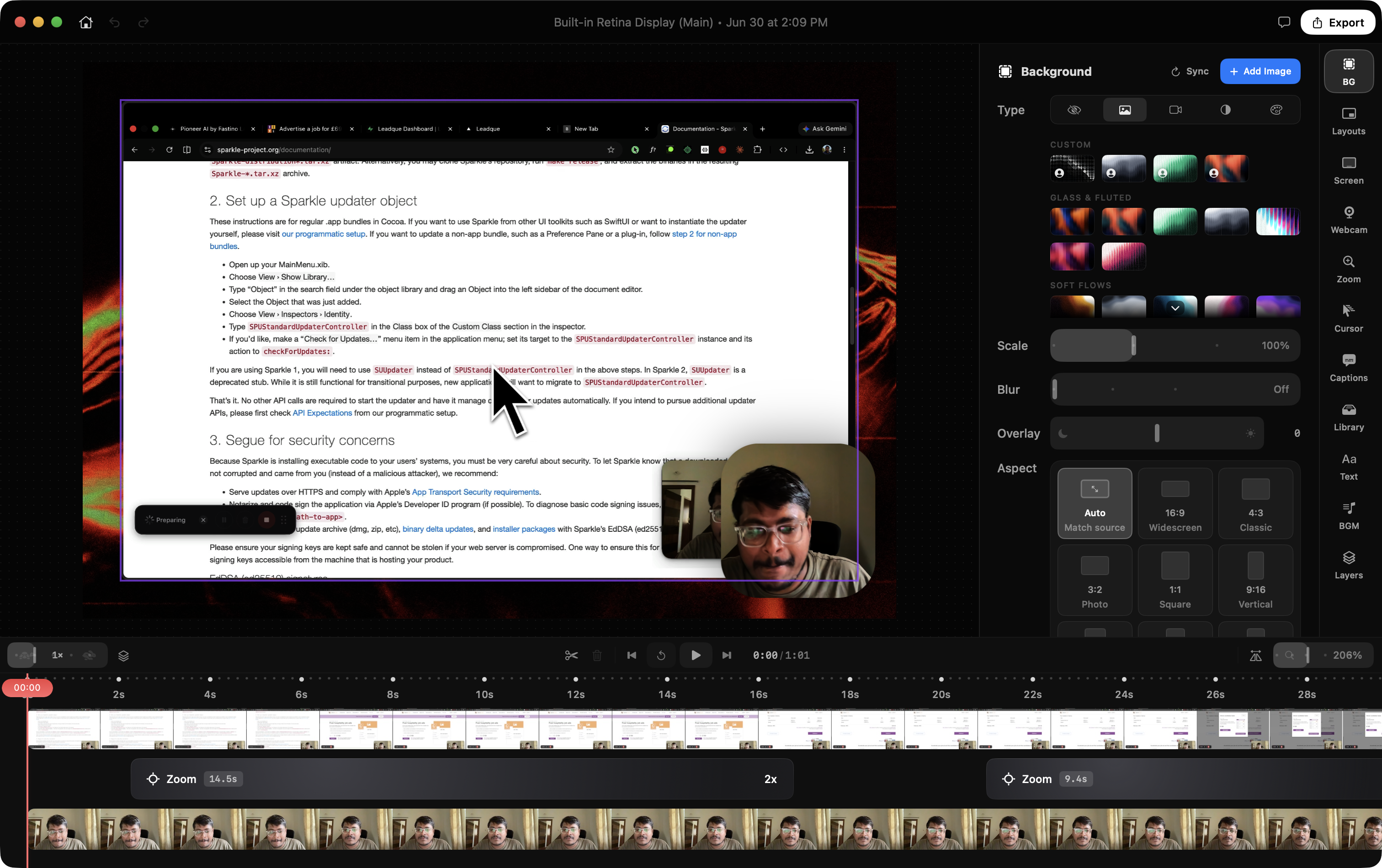
Clicks and typing build zoom segments. Every segment is editable. When you type, the frame sits on the field.
Apple On-Device or Whisper Local. Edit with text. Remove All Fillers. Save a template and reuse it.
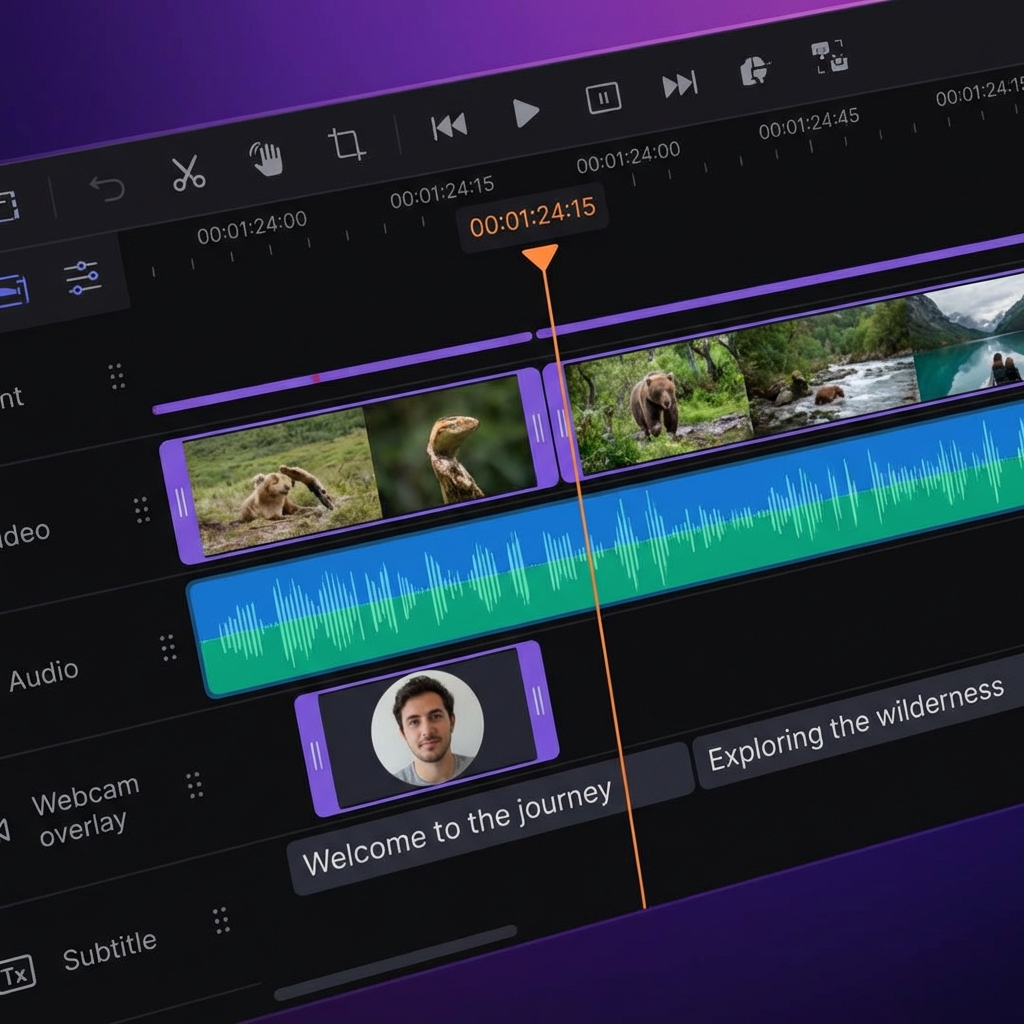
Screen, webcam, mic, system audio, captions, text, imported media, music, zooms. Split at Playhead is S.
⌥⌘S. Crop, overlays, blur or cover. PNG, JPEG, or WebP. Copy to clipboard.
Also in the box
Original, 21:9, 16:9, 16:10, 3:2, 4:3, 1:1, 3:4, 4:5, 2:3, 10:16, 9:16, ISO paper, US Letter.
Smoothed movement. Scale (default 2×). Hide after a pause you set. Full-resolution macOS cursors. Waterdrop, Glass Lens, Shockwave, Ripple.
Blur or cover sensitive areas on video and on screenshots. Still there at export.
Pull a frame to a file or the clipboard. PNG, JPEG, WebP when the Mac can encode it.
On the recording toolbar. Script popover, headings, pauses. Write the two sentences before the cursor moves.
Select words in the transcript, Cut video, the time range leaves the timeline.
um, uh, like, you know, i mean. Remove All Fillers cleans caption text.
On mic, system audio, or an imported track. Web / Social, Demo, Meeting, Voice, Podcast, Interview.
Web, Social, Master. MP4 or MOV. H.264, HEVC, ProRes. Up to 4K 60. SRT or VTT.
Screen and camera arrangements, including picture-in-picture and side by side. Save your own.
Freeform or preset crops. Content Only (excludes browser chrome) when you capture a window.
Text, images, and video on the timeline. Background music with a level under speech.
⌘K. Split at Playhead, Export Video, Add Text Overlay, jump the library.
Notices a call starting and offers to record. Local. No bot in the room.
Voice notes with the same transcript and enhancement path, filed next to the videos.
⌘R record, ⌘E stop, ⌥⌘S screenshot, S split, T text overlay.
From the person who made it
I have been on Saryu for seven months. I use it for the clips I actually post. I did not start it as a market map. I started it because the tools I had were slow to look at, slow to finish in, and designed like nobody had to live in them.
I kept going after it was already “enough for me.” Most days that is the whole business plan: I open it, I record, I notice something ugly or slow, I fix that next. I am not waiting for a round of funding to care about the radius on a screenshot or the time it takes a short clip to become a file.
I may never make huge money from this. I am still building it. If you pay for Saryu, you are not funding a team that might get bored. You are buying an app I am stuck using, from someone who will keep shipping unless something catastrophic happens and I physically cannot.
Long-term support, unless I cannot show up.
On the bench
Drop the take into a phone or a laptop and let it sit there like an object, not a rectangle on a gradient.
Screen and a live iPhone in one take. Continuity Camera already works as a webcam. This is both sources, together.
Mark in and out. Write just that slice to disk. No extra timeline surgery for a 20-second post.
The frame can change during the clip — screen, camera, side by side — without starting over.
One-time purchase
Download and sign in. Your first 72 hours in the workspace include the complete app, clean exports, commercial use, and 30 cloud transcription minutes. No card is required.
After the trial, recording, editing, Apple captions, and Whisper captions still work. Choose a one-time purchase when you want to export or use cloud transcription again.
macOS 14.6 or newer·Not the Mac App Store
Questions
I bought Screen Studio. I could make captions. I could not edit or style them. So I went to Descript for the words and the audio, and another app for screenshots. One product session, three stops, every time I wanted to post. Saryu is so I don’t do that.
If the clip does not need polish, you already have a recorder. If it does, try Saryu for three days. Then one payment, or not.