Export
Export video, images, audio, and text
Make the final file in the format your next app needs.
Export video
Open Export, choose Video, then select MP4 or MOV. H.264 is the broad compatibility choice. HEVC makes smaller modern files, while ProRes 422 is useful for later professional editing.
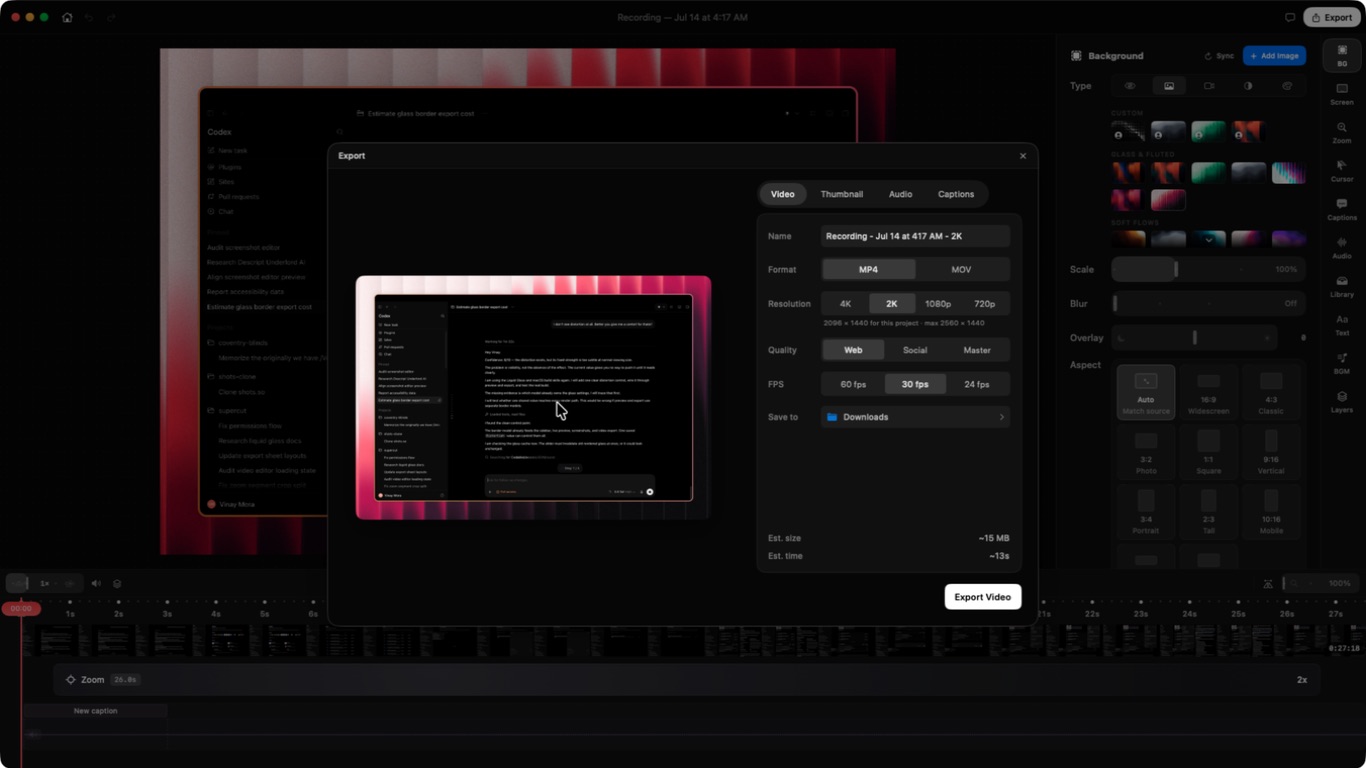
Choose a resolution, frame rate, and quality. Preview the frame shape before starting.
Export images and audio
Screenshot projects export as PNG or JPEG. WebP is shown only when the current macOS runtime can encode it.
Audio projects export as AAC in an M4A file or as MP3. Pick the format that the receiving app accepts.
Export captions and text
Export timed captions as SRT or VTT. Export or copy the transcript when you need plain spoken text without timing.
Open the file once after export. This confirms that the chosen app can read it.
Need a human?
Still stuck?
Send a bug report with the right area already selected. Use email for private account or payment questions.